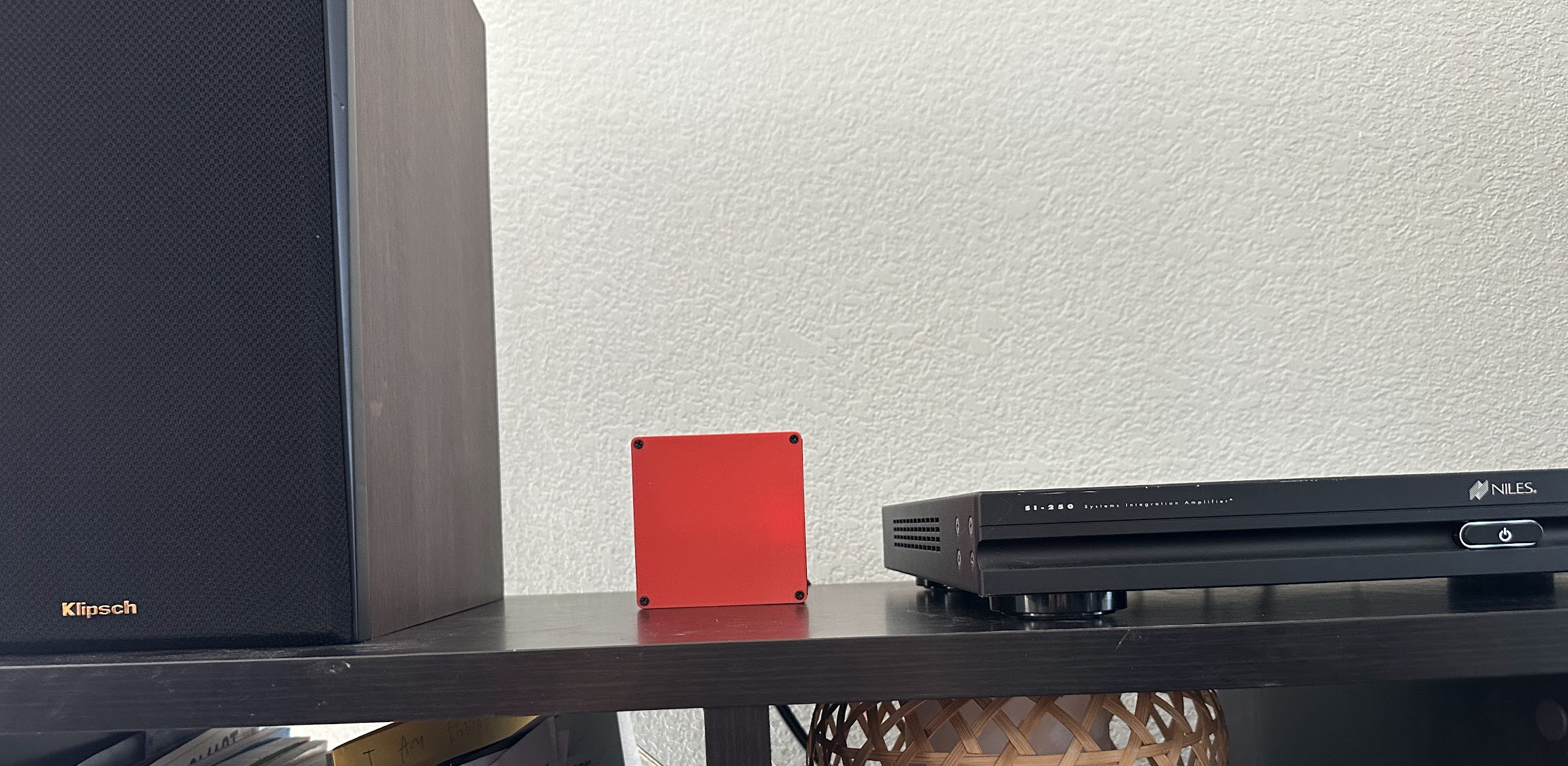
Raspberry Pi + RCA Hat + Airplay
Last Black Friday we finally decided to upgrade our 55” Vizio from 2016 to something newer. And after quick research we ended up with Hisense 75U65QF. But during assembly I realized that it is missing RCA connectors, and a pair of Klipsch RP-600M with Niles SI250 now just stand there. A month passed by and I finally got a chance to think on what to do with it.
Hardware
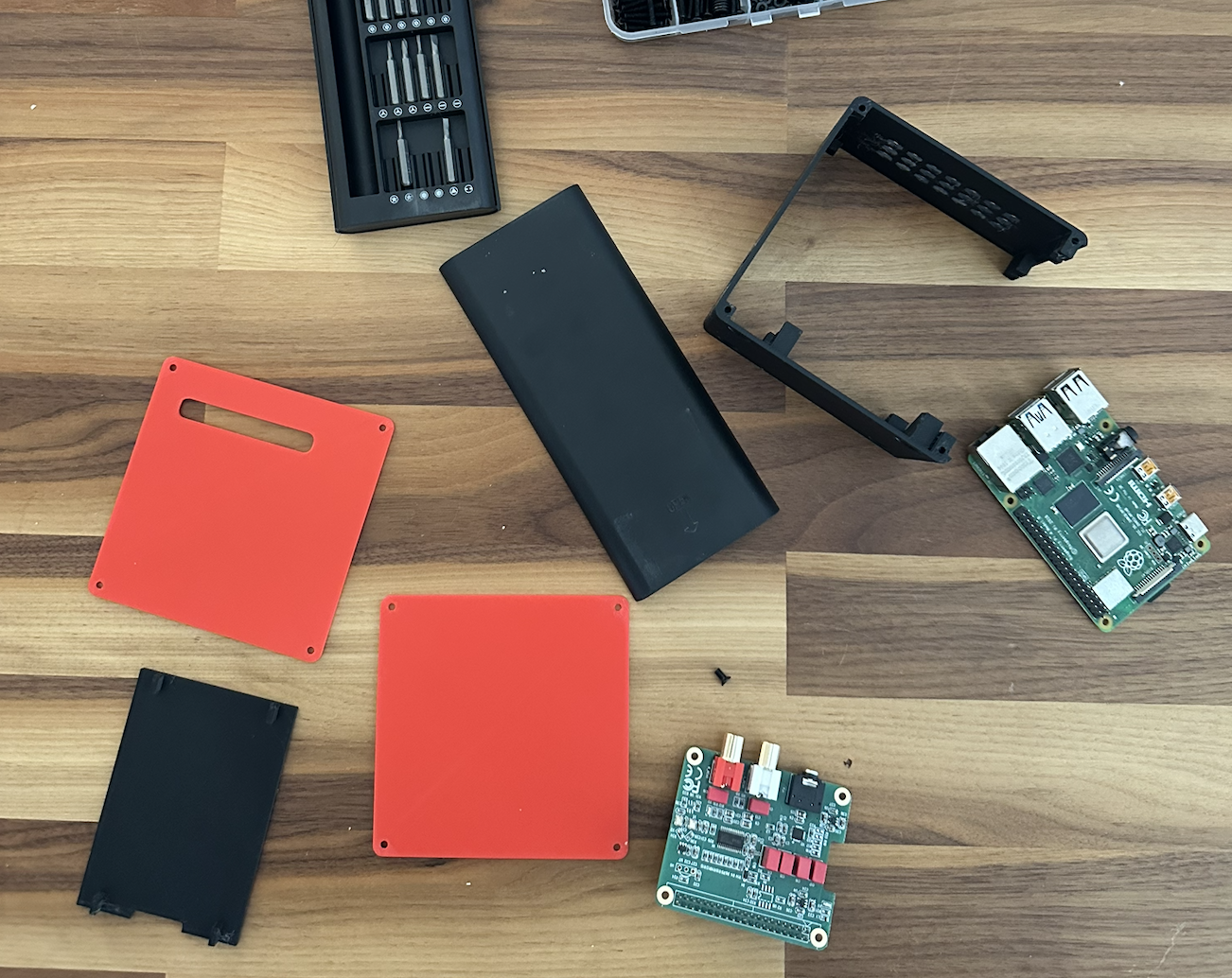
Quick trip to the closet with all the hardware confirmed that I have a few unused RaspberryPis. RPi4 may be a bit overkill for what I wanted, but who’s watching.
Amazon query for raspberry pi rca hat showed a few options, and I ordered InnoMaker HiFi DAC HAT for about $30.
Software
Let’s talk software for a minute. RaspbianOS is a universal solution, and it already comes with batteries included. Let’s install and enable the service to serve as AirPlay device:
  sudo apt-get update
  sudo apt-get upgrade
  sudo apt-get install shairport-sync
  sudo systemctl start shairport-sync.service
  sudo systemctl status shairport-sync
  sudo systemctl enable shairport-sync
Important gotcha to keep in mind is to go to:
/boot/firmware/config.txt
And add this line to [all] section:
dtoverlay=allo-boss-dac-pcm512x-audio
And comment out dtoverlay in [cm5]. So the end of my file ended up looking like this:
[cm5]
#dtoverlay=dwc2,dr_mode=host

[all]
enable_uart=1
dtoverlay=allo-boss-dac-pcm512x-audio
After reboot we can confirm that our hat is available:
nick@raspberrypi:~ $ aplay -l
**** List of PLAYBACK Hardware Devices ****
card 0: Headphones [bcm2835 Headphones], device 0: bcm2835 Headphones [bcm2835 Headphones]
  Subdevices: 8/8
  Subdevice #0: subdevice #0
  Subdevice #1: subdevice #1
  Subdevice #2: subdevice #2
  Subdevice #3: subdevice #3
  Subdevice #4: subdevice #4
  Subdevice #5: subdevice #5
  Subdevice #6: subdevice #6
  Subdevice #7: subdevice #7
card 1: vc4hdmi0 [vc4-hdmi-0], device 0: MAI PCM i2s-hifi-0 [MAI PCM i2s-hifi-0]
  Subdevices: 1/1
  Subdevice #0: subdevice #0
card 2: vc4hdmi1 [vc4-hdmi-1], device 0: MAI PCM i2s-hifi-0 [MAI PCM i2s-hifi-0]
  Subdevices: 1/1
  Subdevice #0: subdevice #0
card 3: BossDAC [BossDAC], device 0: Boss DAC HiFi [Master] pcm512x-hifi-0 [Boss DAC HiFi [Master] pcm512x-hifi-0]
  Subdevices: 0/1
  Subdevice #0: subdevice #0
And finally lets edit shairport config:
/etc/shairport-sync.conf
And add following values to appropriate sections:
general =
{
    name = "SoundBox";
};

alsa =
{
    output_device = "hw:BossDAC,0";
    mixer_control_name = "SoundBox";
};
Note that you can name it whatever you want. Just keep output_device as is. After reboot ensure that:
sudo systemctl status shairport-sync
Has no errors and consider software part as done.
Assembly
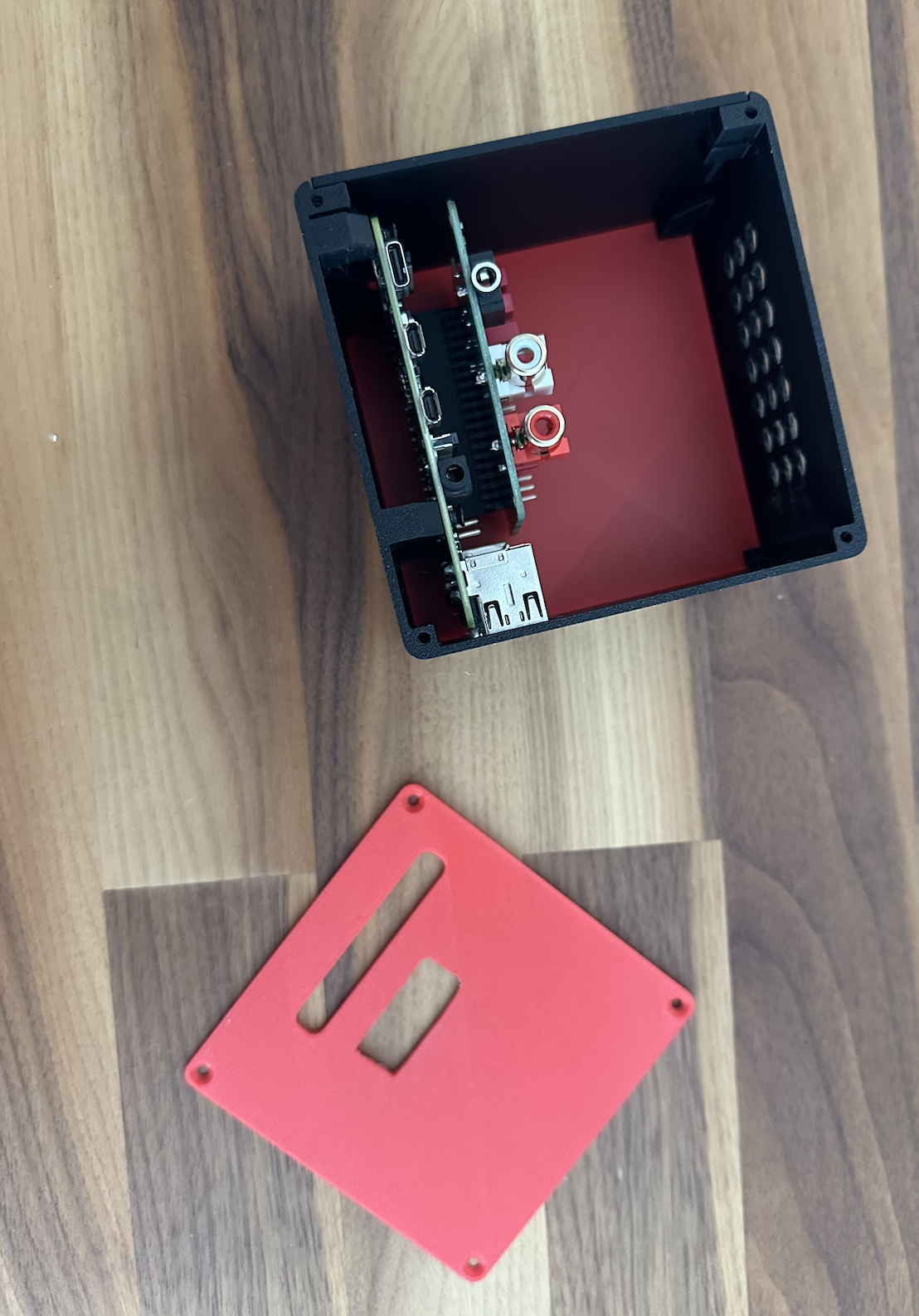
I 3D printed this case from @Eccodyne, and then violated it with a hot knife to make opening for RCA connectors.
Results
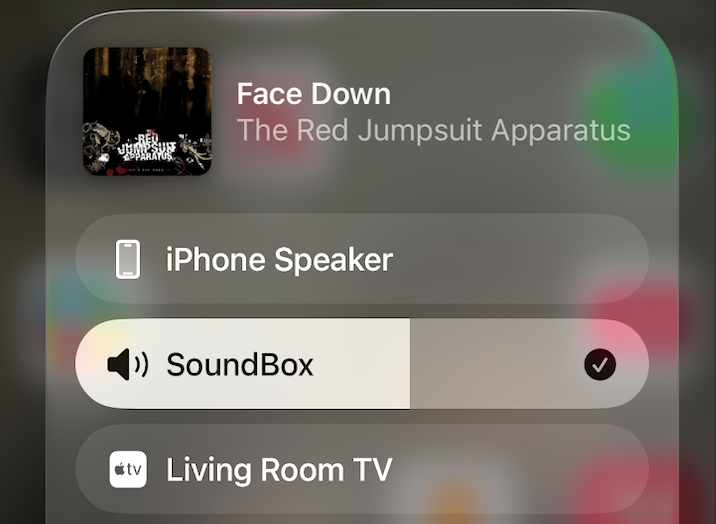
As long as Pi exists in the same network as my iPhone now I can just go and select it as a sound device and play music.